Ad Change Alerts: What Paid Social Teams Should Monitor
Ad Change Alerts: What Paid Social Teams Should Monitor helps paid social teams building ad alert systems monitor ad change alerts for hooks, offers, launches, seasonal shifts, variants, and creative refreshes without turning competitor research into scattered screenshots or unsupported performance guesses. The practical answer is to define a watchlist, track public ad signals on a consistent cadence, tag changes by hook, offer, format, launch, promotion, or fatigue signal, and summarize only the findings that can inform creative planning.
VideoIntelHQ is built for organized competitor video ad tracking and public ad signal monitoring. It helps teams spot hook changes, offer changes, ad variants, creative refreshes, and alert-worthy movement. It does not access private ad accounts or guarantee ROAS, sales, revenue, ad approvals, or winning ads. Results depend on offer, audience, creative quality, budget, landing page, tracking, and execution.
Direct answers
Quick answers for this topic
What is competitor video ad tracking?
Competitor video ad tracking is the process of monitoring publicly visible competitor video ads, recording hooks, offers, formats, CTAs, landing page context, and review dates, then using those notes to guide original creative planning without claiming private performance data.
What is the best way to organize ad research?
The best way to organize ad research is to use a consistent workflow: define the competitor set, capture public creative signals, tag each hook and offer, add landing page notes, choose a next action, and summarize meaningful changes every week.
Related workflow links
Continue the research workflow
Why Ad Change Alerts: What Paid Social Teams Should Monitor Matters for Your Team
Ad Change Alerts: What Paid Social Teams Should Monitor addresses a specific gap that many ad alerts teams encounter: the gap between knowing that competitive research is valuable and actually having a research workflow that produces consistent, actionable intelligence without becoming a time-sink. The teams that get this right treat ad change alerts as a repeatable process rather than a one-time project — which is why the structure matters as much as the tool.
When a team starts treating ad change alerts as infrastructure rather than an occasional task, several things change. The research becomes more consistent because the workflow has a defined cadence. The intelligence becomes more useful because findings are organized in a searchable structure rather than scattered across screenshots and notes. The briefs improve because they are grounded in pattern-level observations from the research library rather than whatever creative was seen most recently.
This distinction — infrastructure vs. project — is the difference between teams that build genuine competitive intelligence over time and teams that periodically rediscover what their competitors are doing without ever accumulating an organized knowledge base.
A Practical Framework for Getting Started
Whether Ad Change Alerts: What Paid Social Teams Should Monitor is new to your team or an existing process that needs better structure, a practical starting framework has five components:
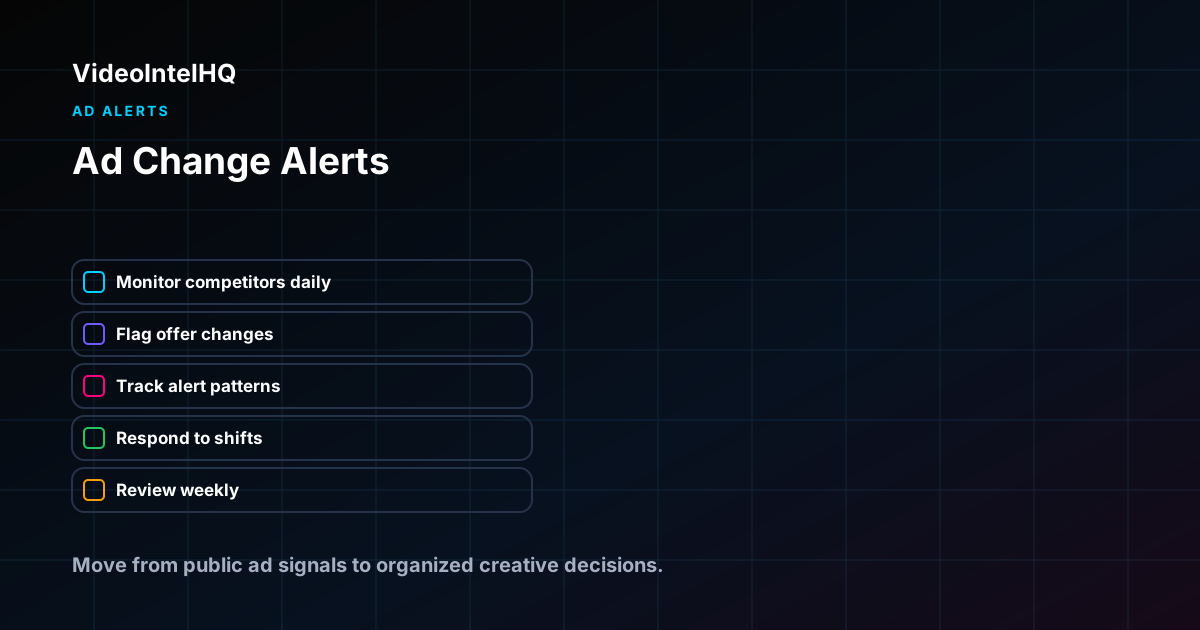
1. Define what you are researching: which competitors, which platforms, which specific signals (hooks, offers, formats, landing pages, or all of the above). A clear scope prevents the research from becoming too broad to review consistently.
2. Set up a monitoring cadence that matches your team's production cycle. Weekly reviews work for active paid social programs. Monthly reviews are better for stable categories or teams with longer creative production timelines.
3. Use consistent classification tags for every entry in your research library. Hook patterns, offer structures, and creative formats should use the same taxonomy across all entries. Consistency is what makes the library searchable for pattern analysis.
4. Connect every observation to a next step: brief a differentiated test, monitor for pattern development, report to stakeholders, or archive as noise. Research without a decision framework grows without producing value.
5. Review the system quarterly: which competitors are still relevant, which classification categories are useful, and whether the output formats still match what the team needs.
- →Start with the specific competitors and signals that matter most for your current brief and testing cycle
- →Use consistent tags for hook patterns, offer structures, and creative formats across all entries
- →Connect each observation to a decision: brief, monitor, report, or archive
- →Review and refine the system quarterly to keep it aligned with team needs
Manual vs. Structured: How Ad Change Alerts: What Paid Social Teams Should Monitor Changes Your Workflow
Most teams start Ad Change Alerts: What Paid Social Teams Should Monitor with a manual process: checking competitor pages, saving screenshots, and discussing findings in meetings or chat threads. This approach works for a one-off review but breaks down when the team needs consistent intelligence across multiple competitors, clients, or review periods.
The manual approach
Manual competitor research typically involves checking three to five competitor profiles or the TikTok Creative Center on a weekly basis, saving interesting ads to a folder or Notion page, and discussing findings in a team meeting or chat thread. The manual approach works for initial discovery but has structural limitations: no automated alerts mean new creative can go unnoticed between manual checks, screenshots lack consistent classification tags needed for pattern analysis, findings are hard to search or compare across review periods, and the research output is often a conversation rather than a structured deliverable.
The structured approach with VideoIntelHQ
A structured approach using VideoIntelHQ replaces manual checking with automated competitor monitoring. New creative is captured as it appears, classified with consistent hook and offer tags, and organized into a searchable library that grows more valuable over time. Weekly summaries consolidate the most important observations for each competitor or client account, and the research library supports longitudinal analysis that manual methods cannot match. The structured approach does not require more time — it requires different time allocation. Instead of spending two hours manually checking competitor profiles, the team spends thirty minutes reviewing organized weekly summaries and tagging new entries into the library. The remaining ninety minutes goes into analysis, brief writing, and strategic discussions rather than data collection.
Building an Alert System That Does Not Create Alert Fatigue
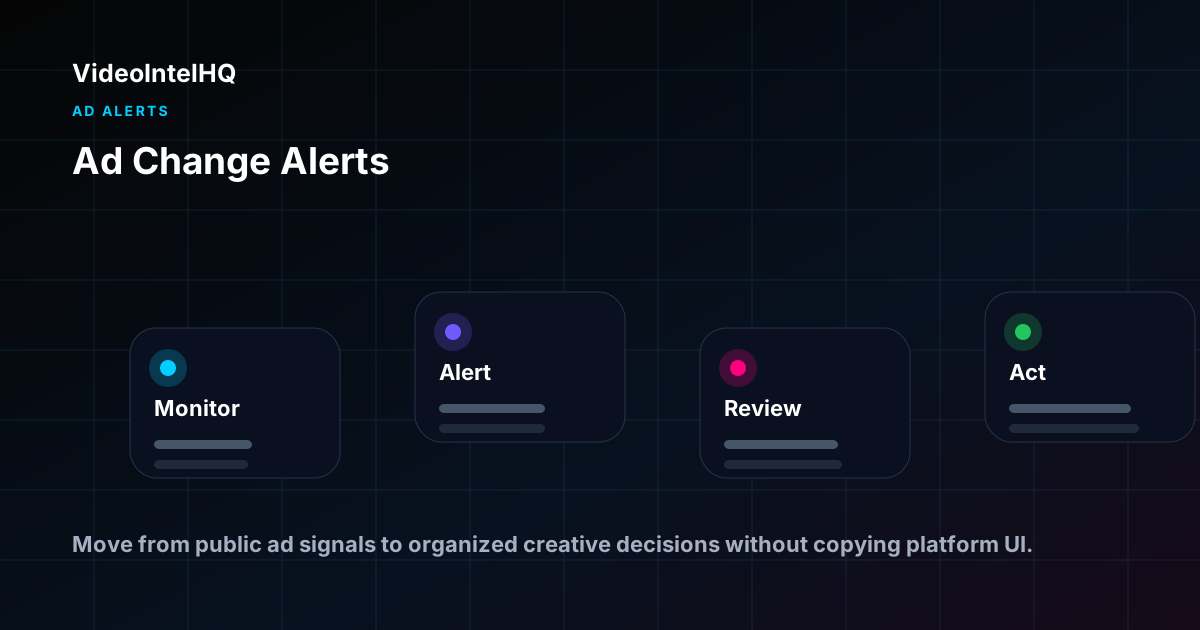
Alert systems for competitive ad monitoring fail in one of two directions: too many alerts (every minor change generates a notification, teams stop reading them) or too few alerts (important competitive moves go unnoticed because the threshold for alerting is too high). The most effective alert systems use a tiered priority model that separates what demands immediate attention from what belongs in the weekly review log.
High-priority alerts: immediate attention
A competitor launches more than three new creatives in one week using a hook or format pattern your brand has not tested. A competitor significantly escalates their offer — from standard discount to bundle to free trial. A competitor enters a new creative format category for the first time. A new competitor enters the watchlist with an aggressive launch creative.
Medium-priority: next weekly review
A competitor makes a minor offer change within an established structure. A competitor runs a second creative in a hook category they tested once previously. A competitor makes a CTA or landing page adjustment.
Low-priority: archive for monthly review
A competitor runs another variation of an established creative. Copy refinements within the same hook and offer structure. Minor visual changes to existing creative without structural changes.
Alert Trigger Types for Competitive Ad Monitoring
- →New creative alert: a tracked competitor has launched a new publicly visible ad
- →Hook change alert: a competitor shifts to a different hook category or structural opening pattern
- →Offer change alert: a competitor changes their headline incentive, urgency frame, or CTA language
- →Format shift alert: a competitor begins running a new creative format not previously seen in their recent history
- →Activity spike alert: a competitor releases three or more new creatives within one week — indicating active testing
- →Landing page change alert: a competitor's landing page headline, offer, or CTA changes
- →New competitor alert: a new brand appears with creative in the monitored category
Agency Alert Workflow: Managing Alerts Across Multiple Clients
Agency teams monitoring multiple client competitor sets need an alert workflow that prevents client alert information from bleeding across accounts and ensures each account's account manager receives only the relevant alerts for their clients.
- →Separate alert channels or workspace per client account prevents cross-client alert confusion
- →Weekly alert digests per client consolidate all medium and low priority alerts from the week into one review
- →Immediate notification only for high-priority alerts to prevent alert fatigue across the team
- →Alert ownership per client: assign a specific team member to review and act on alerts for each account
- →Alert log per client: maintain a searchable log of all alerts received, their priority level, and what action was taken
Acting on Alerts Without Overreacting
The temptation when receiving a competitive alert is to immediately respond with a matching brief or creative pivot. This overreaction often produces rushed creative that chases competitor moves rather than executing a considered differentiated strategy. A disciplined alert response framework:
First week: log the alert, add it to the weekly review, watch for follow-up creative. Second week: if the competitor repeats the pattern, move to medium-priority pattern status and discuss at the next weekly review. Third or fourth week: if the pattern persists or escalates, escalate to brief consideration. One week of competitor activity does not require a response; four weeks of consistent activity creates a signal worth responding to.
Alert Fatigue on the Receiving End: Managing Client Expectations
Agencies that provide competitive alert services to clients face an additional alert fatigue challenge on the client side. Clients who receive too many alerts — even if they are genuinely high-priority — can become desensitized to the alert system and stop acting on important signals.
Manage client alert volume by setting expectations at onboarding: clients will receive immediate alerts only for high-priority signals (offer escalations, format shifts, activity spikes); weekly digests will capture medium-priority observations. This distinction prevents the "crying wolf" dynamic while ensuring clients know the full competitive picture is captured and reviewed methodically, even if it is not all delivered as immediate notifications.
False Positive Management in Alert Systems
Every alert system generates false positives — observations that look like a significant competitive signal on initial review but turn out to be minor variations or data artifacts. How your team handles false positives determines whether your alert system stays credible or becomes noise. A framework for managing false positives:
Acknowledge the false positive quickly: note that the initial alert was a false signal and what the actual observation was. Update the research library: correct the entry with the accurate observation. Adjust the alert logic: if the same type of false positive recurs, the alert threshold for that signal type needs tightening. Track false positive rate: if more than 30% of alerts are false positives across a quarter, the alert thresholds are set too low and need recalibration. Never ignore false positives — an unaddressed false positive pattern erodes the team's trust in the alert system over time.
Alert timeline
Ad Change Timeline
A useful monitoring workflow records what changed, why the change matters, and what the team should review next. Do not treat alerts as proof of performance.
Examples by role
How teams use this workflow
Performance marketing agencies
Use ad change alerts: what paid social teams should monitor to prepare client-ready weekly notes: what changed, what matters, and which original brief or review action should happen next.
DTC brands
Use ad change alerts: what paid social teams should monitor to compare public creative signals against your own product, offer, landing page, and customer research before deciding what to test.
Creative teams
Use ad change alerts: what paid social teams should monitor to turn scattered screenshots into structured hook, offer, proof, format, and landing-page notes that can become original briefs.
Media buyers
Use ad change alerts: what paid social teams should monitor as planning context before budget and testing conversations, while avoiding unsupported claims about private ROAS, revenue, or conversions.
Key Takeaways
- →Ad Change Alerts: What Paid Social Teams Should Monitor works best as a repeatable research workflow, not a one-time screenshot collection exercise.
- →Keep public ad observations separate from assumptions about private performance, revenue, ROAS, or account data.
- →Use the research to organize hooks, offers, formats, landing page notes, and next-step creative hypotheses.
Who This Is For
- ✓Performance marketing agencies managing competitor monitoring across clients
- ✓DTC and ecommerce brands watching category launches, sales, and seasonal campaigns
- ✓Creative strategists turning competitor movement into better briefs
- ✓Media buyers looking for clearer creative context before refreshes and tests
- ✓Founders, growth marketers, and consultants building repeatable ad research calendars
Build from the research
Use the Operating System after you find the signal.
This guide helps you understand what to look for. The Vertical Video Growth Operating System gives you the AI skills, templates, modes, and workflows to turn that research into finished short-form videos.
Frequently Asked Questions
What is ad change alerts: what paid social teams should monitor?
It is a structured way to monitor public competitor ad signals related to ad change alerts for hooks, offers, launches, seasonal shifts, variants, and creative refreshes, organize the findings, and turn the most useful changes into alerts, reports, briefs, or testing ideas.
Does VideoIntelHQ access private competitor ad data?
No. VideoIntelHQ is designed for public ad signal monitoring and organized creative research workflows. It does not provide unauthorized access to private ad accounts or backend platform data.
How often should teams review competitor changes?
Weekly reviews work well for active paid social teams. Daily alerts can be useful for launches, seasonal periods, and high-priority competitor watchlists, but alerts should be filtered by importance.
Can competitor monitoring prove which ads are winning?
No. It can identify public creative patterns and changes, but it cannot guarantee performance. Results depend on offer, audience, creative quality, budget, landing page, tracking, and execution.
What should go into a weekly competitor digest?
Include the most important new ads, launch signals, promotion changes, hook or offer shifts, creative fatigue notes, and recommended next actions. Keep raw research in the library and summarize decisions in the digest.
What triggers should create an immediate alert vs. a weekly review note?
Immediate alerts: significant offer escalations, new creative format entries, unusual activity spikes. Weekly review: minor copy changes, standard creative rotations, incremental offer variations. The test for immediate alert: if this change affects what you'd recommend your client brief or spend on this week, it deserves immediate attention. If it adds context to the monthly pattern analysis, it belongs in the weekly review log.
How many alerts per week is normal for a well-monitored competitive set?
For a watchlist of five to eight direct competitors, two to five meaningful alerts per week is a reasonable baseline. More than ten alerts per week suggests the alert threshold is set too low. Fewer than one alert per week may indicate the competitor set is too narrow or the monitoring coverage is incomplete.
How do I prevent alert fatigue when monitoring multiple client competitor sets?
Tiered alert priority (immediate, weekly, archive) combined with per-client weekly digest formats prevents alert fatigue. When every competitive observation generates the same alert level, teams stop reading the alerts. When only genuinely high-priority signals generate immediate alerts, the alert system retains its usefulness over time.
Conclusion
Ad Change Alerts: What Paid Social Teams Should Monitor is most useful when the research is specific, documented, and connected to a clear next step. Use competitor ad tracking as planning input: monitor public signals, organize creative patterns, and turn the review into briefs or reports your team can act on without overclaiming what the data proves.
Build a better competitor monitoring workflow with VideoIntelHQ.
Use VideoIntelHQ to monitor public ad signals, track hooks and offers, organize alerts, and turn competitor movement into clearer creative planning.