How to Build a Competitor Ad Library
A competitor ad library is a structured, searchable collection of competitor ads organized by hook type, offer angle, creative format, and other signals. It is one of the most valuable assets a performance marketing team can build. Unlike a folder of saved screenshots, a well-organized library lets you search for patterns, compare approaches across competitors, and brief creative from a foundation of market evidence.
This guide walks through how to build a competitor ad library from scratch, from selecting competitors to establishing a tagging system and running regular reviews.
Direct answers
Quick answers for this topic
What is competitor video ad tracking?
Competitor video ad tracking is the process of monitoring publicly visible competitor video ads, recording hooks, offers, formats, CTAs, landing page context, and review dates, then using those notes to guide original creative planning without claiming private performance data.
What is the best way to organize ad research?
The best way to organize ad research is to use a consistent workflow: define the competitor set, capture public creative signals, tag each hook and offer, add landing page notes, choose a next action, and summarize meaningful changes every week.
Related workflow links
Continue the research workflow
Why How to Build a Competitor Ad Library Matters for Your Team
How to Build a Competitor Ad Library addresses a specific gap that many competitor ad tracking teams encounter: the gap between knowing that competitive research is valuable and actually having a research workflow that produces consistent, actionable intelligence without becoming a time-sink. The teams that get this right treat how to build a competitor ad library as a repeatable process rather than a one-time project — which is why the structure matters as much as the tool.
When a team starts treating how to build a competitor ad library as infrastructure rather than an occasional task, several things change. The research becomes more consistent because the workflow has a defined cadence. The intelligence becomes more useful because findings are organized in a searchable structure rather than scattered across screenshots and notes. The briefs improve because they are grounded in pattern-level observations from the research library rather than whatever creative was seen most recently.
This distinction — infrastructure vs. project — is the difference between teams that build genuine competitive intelligence over time and teams that periodically rediscover what their competitors are doing without ever accumulating an organized knowledge base.
A Practical Framework for Getting Started
Whether How to Build a Competitor Ad Library is new to your team or an existing process that needs better structure, a practical starting framework has five components:
1. Define what you are researching: which competitors, which platforms, which specific signals (hooks, offers, formats, landing pages, or all of the above). A clear scope prevents the research from becoming too broad to review consistently.
2. Set up a monitoring cadence that matches your team's production cycle. Weekly reviews work for active paid social programs. Monthly reviews are better for stable categories or teams with longer creative production timelines.
3. Use consistent classification tags for every entry in your research library. Hook patterns, offer structures, and creative formats should use the same taxonomy across all entries. Consistency is what makes the library searchable for pattern analysis.
4. Connect every observation to a next step: brief a differentiated test, monitor for pattern development, report to stakeholders, or archive as noise. Research without a decision framework grows without producing value.
5. Review the system quarterly: which competitors are still relevant, which classification categories are useful, and whether the output formats still match what the team needs.
- →Start with the specific competitors and signals that matter most for your current brief and testing cycle
- →Use consistent tags for hook patterns, offer structures, and creative formats across all entries
- →Connect each observation to a decision: brief, monitor, report, or archive
- →Review and refine the system quarterly to keep it aligned with team needs
Manual vs. Structured: How How to Build a Competitor Ad Library Changes Your Workflow
Most teams start How to Build a Competitor Ad Library with a manual process: checking competitor pages, saving screenshots, and discussing findings in meetings or chat threads. This approach works for a one-off review but breaks down when the team needs consistent intelligence across multiple competitors, clients, or review periods.
The manual approach
Manual competitor research typically involves checking three to five competitor profiles or the TikTok Creative Center on a weekly basis, saving interesting ads to a folder or Notion page, and discussing findings in a team meeting or chat thread. The manual approach works for initial discovery but has structural limitations: no automated alerts mean new creative can go unnoticed between manual checks, screenshots lack consistent classification tags needed for pattern analysis, findings are hard to search or compare across review periods, and the research output is often a conversation rather than a structured deliverable.
The structured approach with VideoIntelHQ
A structured approach using VideoIntelHQ replaces manual checking with automated competitor monitoring. New creative is captured as it appears, classified with consistent hook and offer tags, and organized into a searchable library that grows more valuable over time. Weekly summaries consolidate the most important observations for each competitor or client account, and the research library supports longitudinal analysis that manual methods cannot match. The structured approach does not require more time — it requires different time allocation. Instead of spending two hours manually checking competitor profiles, the team spends thirty minutes reviewing organized weekly summaries and tagging new entries into the library. The remaining ninety minutes goes into analysis, brief writing, and strategic discussions rather than data collection.
Building Your Competitor Watchlist: Selection Principles
The competitor watchlist is the foundation of any monitoring system. A poorly constructed watchlist — too broad, too narrow, or inconsistently maintained — produces research that is either noisy or incomplete. The most useful watchlists follow a simple tiering structure: direct competitors first, adjacent brands second, aspirational references third.
Direct competitors
Brands competing for the same buyer with a similar product at a similar price point. These should be the center of any watchlist. Four to eight direct competitors is a practical range for most categories.
Adjacent brands
Brands serving the same audience with different products or different price points. These provide creative reference points even when their offers are not directly competitive. Two to four adjacent brands per watchlist is typically sufficient.
Aspirational references
Category leaders or brands with consistently strong creative quality whose TikTok or paid social output is worth monitoring for format and hook inspiration. One to two aspirational references per watchlist prevents the list from growing unmanageable.
Competitive Signal Prioritization: What to Watch and When
Not every competitor change deserves the same level of attention. A prioritization framework helps teams focus monitoring energy on the signals that most affect creative strategy decisions.
**High-priority signals**: new creative launches (especially new hook categories or formats for the competitor), offer structure changes (discount to bundle, free trial to paid), entry into new platforms, and activity level spikes (three or more new creatives in one week from the same competitor).
**Medium-priority signals**: minor copy variations within the same structural approach, format rotation within an established pattern, and landing page adjustments without corresponding offer changes.
**Low-priority signals**: creative that repeats a known pattern without significant variation, standard seasonal rotations, and evergreen creative that continues without modification.
A weekly review should focus on high-priority signals first, scan medium-priority signals for accumulation patterns, and archive low-priority signals unless they cross a frequency threshold.
What to Monitor Per Competitor Brand
- →New creative launches: when new ads appear, with what hook type, format, and offer
- →Hook changes: when a competitor shifts their dominant hook category or opening structure
- →Offer changes: when the headline incentive, bundle structure, urgency frame, or CTA language changes
- →Format rotation: when a competitor shifts from one primary creative format to another — UGC to founder-led, demo to testimonial
- →Spend signal indicators: activity levels suggesting creative testing intensity based on volume of new launches
- →Landing page signals: when the destination page offer or headline changes alongside or independently from the ad
- →Creative retirement signals: when a creative that was running disappears from visible inventory
Scaling Competitor Monitoring Across Accounts
Individual brand monitoring is straightforward with the right tool setup. Scaling monitoring across ten or twenty client accounts requires a systems-level approach where each client has its own watchlist, its own creative library, and its own review cadence — without the individual watchlists bleeding into each other.
- →Separate watchlists per client prevent data confusion when multiple accounts share similar competitor sets
- →Automated monitoring replaces manual weekly checking at the data collection layer
- →Weekly review becomes annotation and insight rather than discovery and collection
- →Monthly rollup summaries per client give account managers a consistent deliverable format
- →Historical creative library per client enables longitudinal analysis for quarterly strategy reviews
When to Alert vs. When to Archive
Not every competitive observation deserves immediate action. One of the most common mistakes in competitor monitoring is treating every new ad as an alert-worthy event. A useful alert filtering framework:
**Alert-worthy signals**: a competitor launches multiple variations of the same hook in one week, a competitor changes their offer structure significantly, a competitor introduces a format that is new to the category, a competitor's activity level jumps from low to high.
**Archive-worthy signals**: a competitor runs a minor variation of an existing creative, a competitor repeats a hook they have used before, a competitor makes a small copy change to an existing offer.
Ad intelligence workflow
Ad Research Workflow
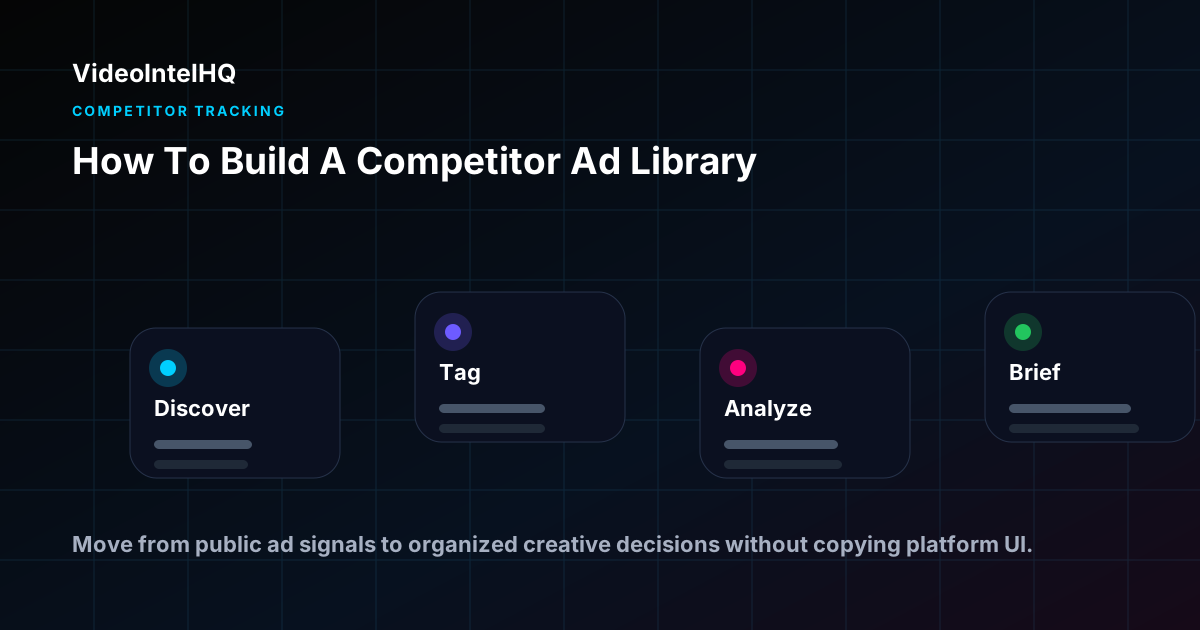
Use this workflow to move from public competitor ad signals to a practical creative research note your team can review.
Examples by role
How teams use this workflow
Performance marketing agencies
Use how to build a competitor ad library to prepare client-ready weekly notes: what changed, what matters, and which original brief or review action should happen next.
DTC brands
Use how to build a competitor ad library to compare public creative signals against your own product, offer, landing page, and customer research before deciding what to test.
Creative teams
Use how to build a competitor ad library to turn scattered screenshots into structured hook, offer, proof, format, and landing-page notes that can become original briefs.
Media buyers
Use how to build a competitor ad library as planning context before budget and testing conversations, while avoiding unsupported claims about private ROAS, revenue, or conversions.
Key Takeaways
- →How to Build a Competitor Ad Library works best as a repeatable research workflow, not a one-time screenshot collection exercise.
- →Keep public ad observations separate from assumptions about private performance, revenue, ROAS, or account data.
- →Use the research to organize hooks, offers, formats, landing page notes, and next-step creative hypotheses.
Who This Is For
- ✓Performance agencies building a competitive intelligence resource for client accounts
- ✓DTC brands creating their first structured competitor ad collection
- ✓Media buyers who want a searchable reference for creative decisions
- ✓Creative strategists building a research-backed brief framework
- ✓Growth marketers establishing a repeatable competitive research process
Build from the research
Use the Operating System after you find the signal.
This guide helps you understand what to look for. The Vertical Video Growth Operating System gives you the AI skills, templates, modes, and workflows to turn that research into finished short-form videos.
Frequently Asked Questions
How long does it take to build a useful competitor ad library?
With consistent monitoring across three to five competitors, you can have a meaningful library within two to four weeks. The library compounds in value over time as more data accumulates.
How many ads should I aim to collect?
Quality and consistent tagging matter more than volume. Ten to twenty well-analyzed and tagged ads from three to five competitors is enough to start identifying patterns.
Should I include ads from platforms other than TikTok?
Yes, if competitors are active on multiple platforms. Cross-platform patterns are stronger signals than single-platform patterns. Tag the platform for each ad.
Can I share the competitor ad library with my team?
VideoIntelHQ provides a shared workspace so your team can access the same competitor intelligence. This ensures consistent research across team members.
How many competitors should I monitor per client or brand?
Five to twelve competitors is a practical range for most accounts. Fewer than five produces a narrow view of the competitive landscape. More than twelve creates monitoring overhead that reduces the quality of weekly review without proportionally improving intelligence quality. Start with the five most directly relevant competitors and expand the list as the monitoring rhythm is established.
How do I decide when a competitor change is worth flagging in a client report?
Flag changes that affect your client's strategic position: a new hook pattern your client has not tested, an offer escalation in the category, a format shift that represents a new creative direction. Do not flag every minor creative variation. The filtering rule: would this change inform a recommendation or decision for the client's own creative or media strategy?
What is the right monitoring cadence for competitor watchlists?
Weekly monitoring reviews work well for active categories and accounts with frequent creative production cycles. Monthly monitoring is sufficient for stable categories or clients with quarterly brief schedules. Alert-based notifications for specific high-priority competitors can add real-time awareness without requiring daily manual review.
Conclusion
How to Build a Competitor Ad Library is most useful when the research is specific, documented, and connected to a clear next step. Use competitor ad tracking as planning input: monitor public signals, organize creative patterns, and turn the review into briefs or reports your team can act on without overclaiming what the data proves.
Build your competitor ad library with VideoIntelHQ.
Automated monitoring, structured tagging, and a searchable creative intelligence library. Start building your competitive advantage today.